Features Pricing Demo About Contact FAQ Sign In
Beginner Guide

Beginner Vegetable Garden Setup — Plan Beds, Seeds, Watering & Harvests.

The first garden does not need to be perfect. It needs a simple layout, a few easy plants, a watering rhythm and a way to remember what happened.

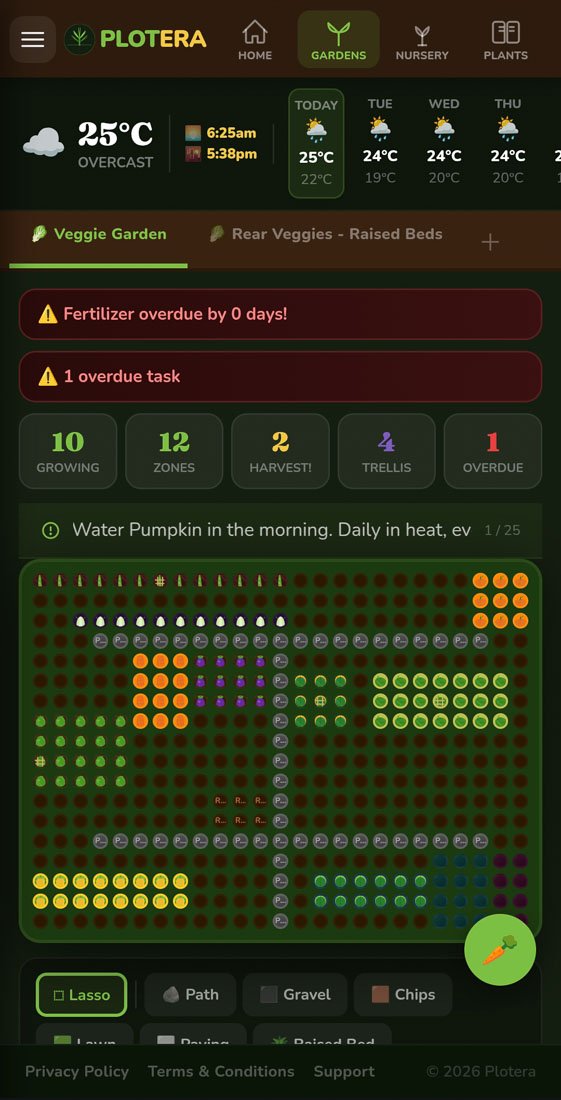
Plotera garden grid planner for a beginner vegetable garden

Map the Space

Start with beds, paths and zones so the plan matches your garden.

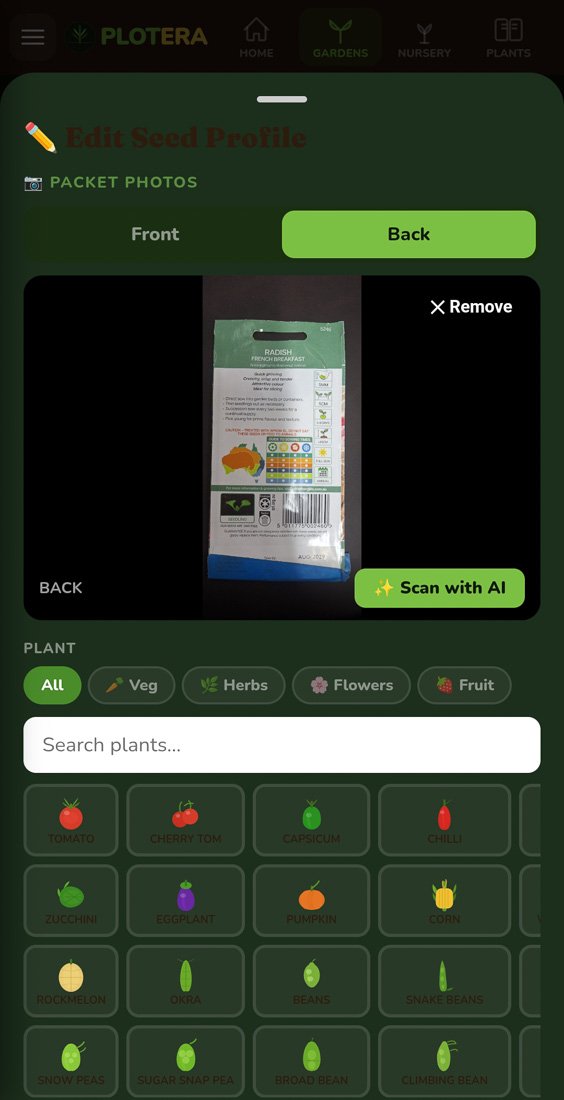
Plotera seed inventory with seed packet photos

Track Seeds

Keep seed packets, packet photos and plant choices connected.
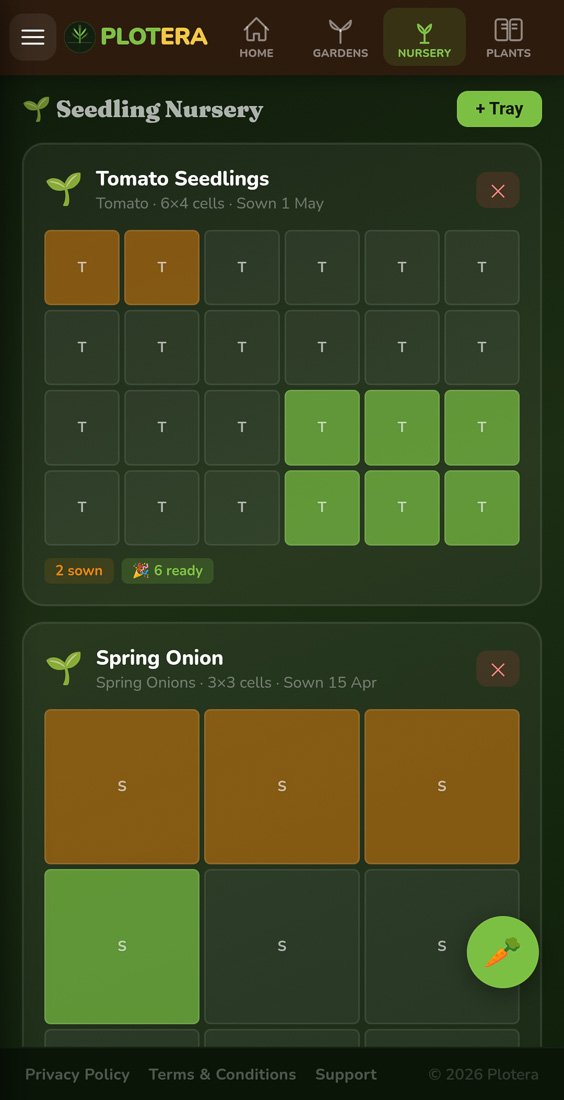
Plotera seedling nursery tray tracker

Raise Seedlings

Follow trays from sowing to transplant-ready seedlings.
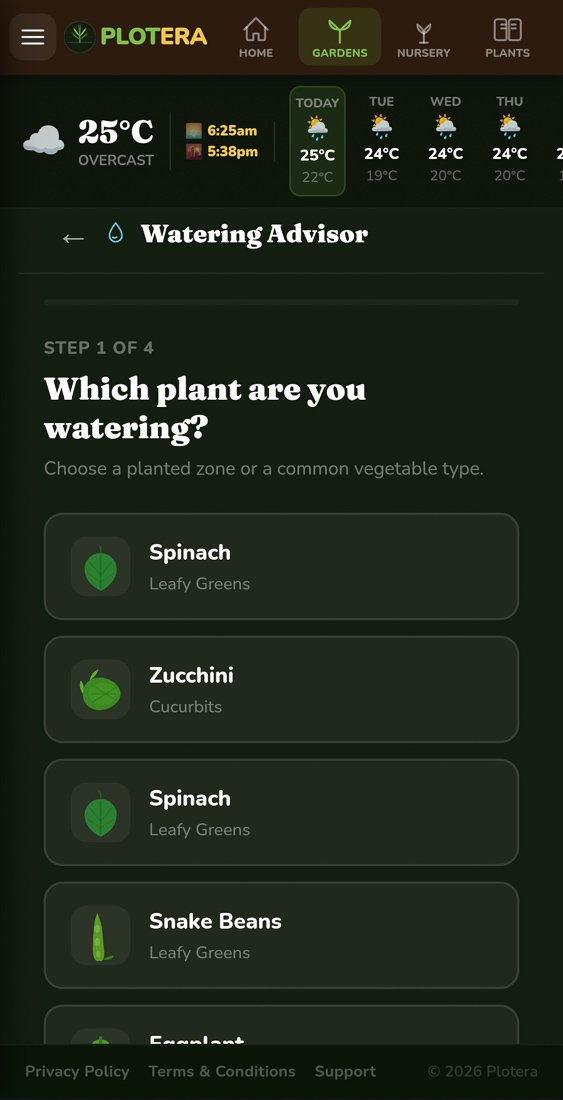
Plotera watering advisor for planted zones

Care Rhythm

Use water and fertiliser guidance as the garden grows.

LayoutStart with the space you have: one raised bed, a balcony row, or a few backyard zones.
PlantsChoose a small set of easy growers rather than filling every gap straight away.
SeedsRecord packet dates, sowing depth and germination timing before the packet disappears.
WaterUse a simple schedule, then adjust when plants or weather show you something different.
HarvestLog what worked so next season starts smarter than the first one.

Use zones, not vague notes

Plotera’s grid lets you mark where each plant is growing, so care tasks and harvest notes stay attached to the right bed or pot.

Start with forgiving plants

Leafy greens, herbs, beans, radish and some warm-season crops can give quick feedback while you learn your garden.

Turn advice into calendar jobs

Watering, fertilising, transplanting and harvest reminders are more useful when they live beside your actual garden plan.

Turn garden notes into a living plan.

Create a free account to save your garden layout, personal planting calendar, water and fertiliser schedules, seed inventory and harvest logs.

Create Free Account
Use Plotera like an app from your home screen.

Install on Android

Open plotera.app in Chrome on your Android device.
Tap the three-dot menu in the top-right corner.
Choose Install app or Add to Home screen.
Chrome usually shows an automatic install banner after your second visit.

Add to iPhone

Open plotera.app in Safari on your iPhone.
Tap the Share button at the bottom of Safari.
Choose Add to Home Screen, then tap Add.
Use Safari for the best install experience on iPhone.